Markdown Syntax Guide
This post shows the Markdown elements that Relisted styles. Use it to check how your own posts will look.
Headings
Use ## for main sections and ### for parts inside them. The post title is the only h1 on the page.
A Third-Level Heading
Hover over a heading to see its anchor link.
Paragraphs and Links
A paragraph is plain text with an internal link and an external link. External links open in a new tab. You can also use bold text, italic text, and inline code.
A blockquote is shown with a thin bar on the left and softer text. Use it for quotes and short notes.
Lists
An unordered list:
- Spark, Flink, and dbt
- A second item
- A nested item
An ordered list:
- Install the theme
- Set the parameters
- Write the first post
Code
A code block with syntax highlighting:
def greet(name: str) -> str:
    """Return a short greeting."""
    return f"Hello, {name}!"


print(greet("Relisted"))
Tables
| Element | Style |
|---|---|
| Table | Borders and a light header row |
| Code | Monokai highlighting by default |
| Figure | Lazy-loaded, links to the full-size image |
The table shortcode adds CSS classes to a table, for example striped rows:
| Shortcode | Use |
|---|---|
table_of_contents | Insert the table of contents |
figure | Insert an image with a caption |
table | Add classes to a table |
tagcloud | List the tags on the site |
Figures
A Markdown image:
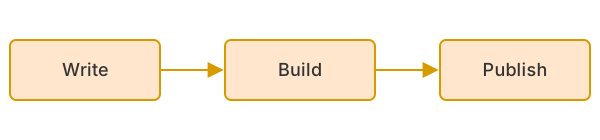
A figure inserted with the figure shortcode.